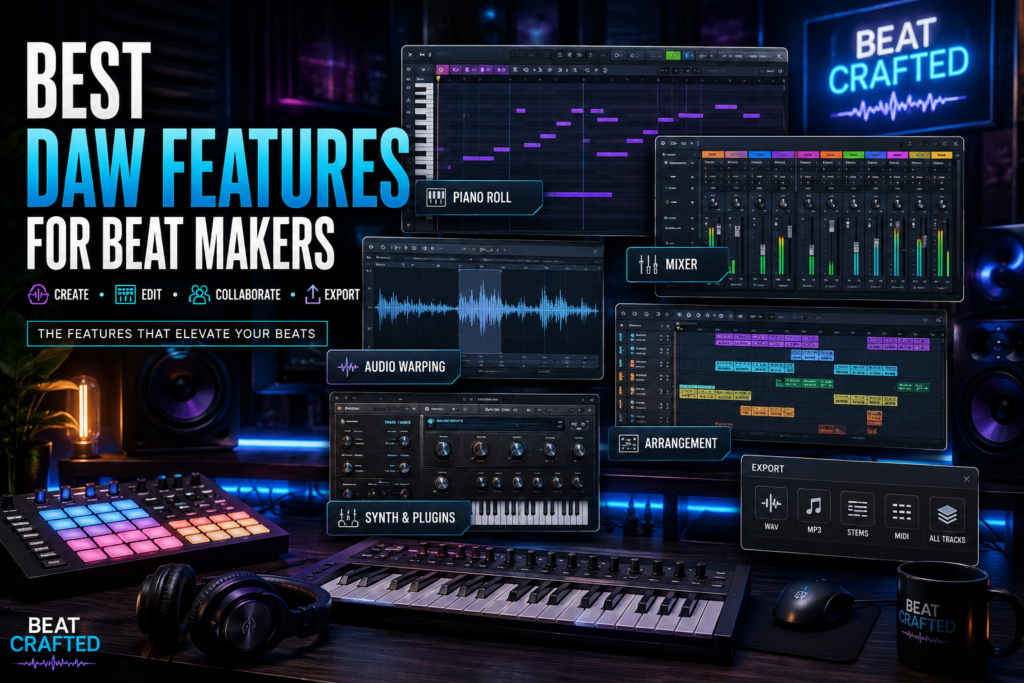
 Introduction: Understanding DAWs and Their Importance for Beat Makers
If you make beats in 2026, your Digital Audio Workstation (DAW) is the heart of your creative process. A DAW is the software environment where producers record, sequence, arrange, mix, and finalize music. Whether you’re building trap drums, programming R&B chords, chopping soul samples, or designing synth-heavy melodies, your DAW is where ideas become finished tracks. For beat makers, a DAW does far more than simply record audio. It serves as a creative hub for drum programming, MIDI sequencing, sound design, arrangement, and mixing. Modern DAWs make it possible to go from a blank session to a release-ready beat entirely inside one software ecosystem. Choosing the right DAW matters because the wrong workflow can slow you down. A DAW that feels intuitive can dramatically improve your speed, creativity, and consistency. The best beat makers often choose software not just for popularity, but for the features that help them create their sound faster and more effectively. So what separates an average DAW from a great beat-making DAW? Let’s explore the most important features.
User-Friendly Interface Design: Navigating Innovation and Simplicity
One of the most underrated DAW features is interface design. The faster you can navigate your software, the faster you can create. A cluttered or confusing interface creates friction. Every extra click interrupts creativity. Beat makers especially benefit from DAWs that allow rapid loop creation, easy sample browsing, and smooth arrangement workflows. Programs like Ableton Live and FL Studio have become favorites partly because of their workflow-focused design. Ableton Live is known for:
- Fast loop-based creation
- Session View for experimenting with ideas
- Excellent sample manipulation
- Clean drag-and-drop workflow
- Beginner-friendly beat creation
- Industry-leading step sequencer
- Highly visual piano roll
- Quick drum programming
A user-friendly DAW should also allow customization. Important customization features include:
- Adjustable window layouts
- Keyboard shortcuts
- Custom templates
- Macro controls
- Dockable plugin windows
When your DAW adapts to your workflow instead of forcing you into its own system, productivity increases significantly. The best beat-making software often feels invisible—it gets out of your way and lets creativity flow.
Superior Editing and Arrangement Tools: Crafting the Perfect Beat
Great beats are built in the details. Editing tools determine how much control you have over rhythm, groove, and musical expression. This is where powerful DAWs separate themselves.
Piano Roll Functionality
For beat makers, the piano roll is one of the most critical features in any DAW. It controls:
- Drum programming
- Melody creation
- Chord voicings
- Bass lines
- Velocity editing
A strong piano roll should offer:
- Easy note placement
- Quantization options
- Humanization tools
- Velocity automation
- Scale snapping
Many producers consider FL Studio’s piano roll the gold standard because of its speed and flexibility.
Audio Warping and Time Stretching
Modern beat making often involves samples. Whether you’re chopping vinyl, flipping vocals, or stretching loops, advanced warping tools matter. High-quality time stretching lets you:
- Match BPM instantly
- Change tempo without destroying audio quality
- Sync loops across genres
- Build creative textures
This is especially valuable for sample-based production styles.
MIDI Manipulation
Advanced MIDI tools unlock creative possibilities beyond basic sequencing. Useful MIDI features include:
- Arpeggiators
- Chord generators
- Randomization
- Probability triggers
- Groove extraction
These tools can help beat makers generate unexpected ideas and avoid repetitive patterns.
Arrangement Tools
Loop creation is easy. Finishing songs is harder. A great DAW helps you turn 8-bar loops into full productions using:
- Marker systems
- Arrangement lanes
- Track grouping
- Automation clips
- Scene launching
Good arrangement tools help solve one of the biggest producer problems: unfinished beats.
Vast Synthesizer Libraries and Plugins: Expanding Musical Horizons
Beat makers thrive on sound selection. Even simple melodies feel premium when paired with powerful sounds. That’s why synthesizer libraries and plugin compatibility matter so much. Modern production relies heavily on:
- Virtual instruments
- Effects plugins
- Mixing processors
- Sound design tools
- Sample libraries
The best DAWs support large plugin ecosystems without stability issues. For example, Logic Pro includes an outstanding stock instrument collection featuring:
- Analog synths
- Samplers
- Drum machines
- Keys and pianos
- Orchestral instruments
This makes it extremely valuable for producers who want strong built-in sounds. Meanwhile, Cubase is known for deep MIDI tools and strong plugin integration, making it popular among advanced composers and producers. Key plugin support features to look for:
- VST compatibility
- AU support (Mac)
- Low-latency performance
- Plugin organization tools
- Preset management
A DAW with strong plugin support gives you room to evolve. As your skills improve, your sound palette can expand without needing to switch platforms.
Collaboration and Exporting Features: Seamless Sharing in a Digital World
Music production is more collaborative than ever. You may create beats in one city while artists record vocals somewhere else entirely. Because of this, collaboration tools matter more than ever. Modern DAWs increasingly support remote workflows. Helpful collaboration features include:
- Cloud project backups
- Stem exporting
- Version history
- Shared sample folders
- Session compatibility
These features reduce friction when working with:
- Artists
- Engineers
- Songwriters
- Labels
- Content creators
Exporting is equally important. Your DAW should make it easy to export:
- WAV files
- MP3s
- Stems
- MIDI files
- Individual track outs
Professional export flexibility matters for:
- Mixing engineers
- Mastering engineers
- Beat licensing
- Beat marketplaces
- Streaming releases
A beat maker selling instrumentals online especially benefits from easy stem exporting for premium licensing tiers. High-quality export options ensure your beats translate properly across platforms and playback systems.
Final Thoughts
The best DAW for beat making isn’t necessarily the most expensive or the most popular. It’s the one with features that support your workflow. When evaluating a DAW, focus on these core features:
- User-friendly interface
- Powerful editing tools
- Strong piano roll
- Great synths and plugins
- Reliable collaboration features
- Flexible export options
At the end of the day, creativity matters more than software. A skilled producer can make incredible music in almost any DAW. Still, choosing the right feature set can dramatically accelerate your growth as a beat maker. Find the DAW that inspires you, learn it deeply, and make music consistently.